On-screen text can help people follow a video in different viewing conditions. There is no need to invent a universal percentage of viewers who rely on it. Movement, contrast and timing should support comprehension rather than compete with the demonstration.
A practical workflow
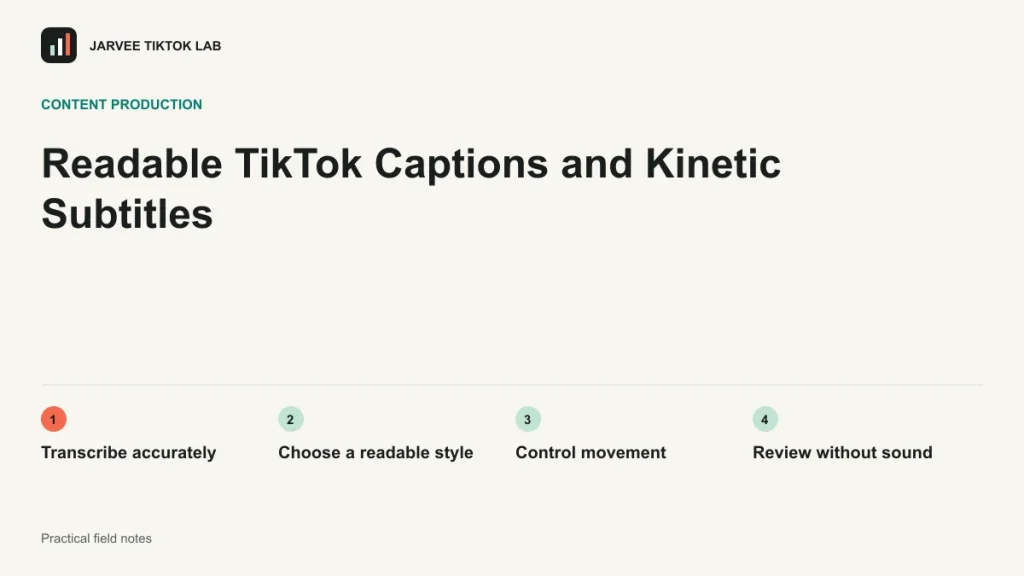
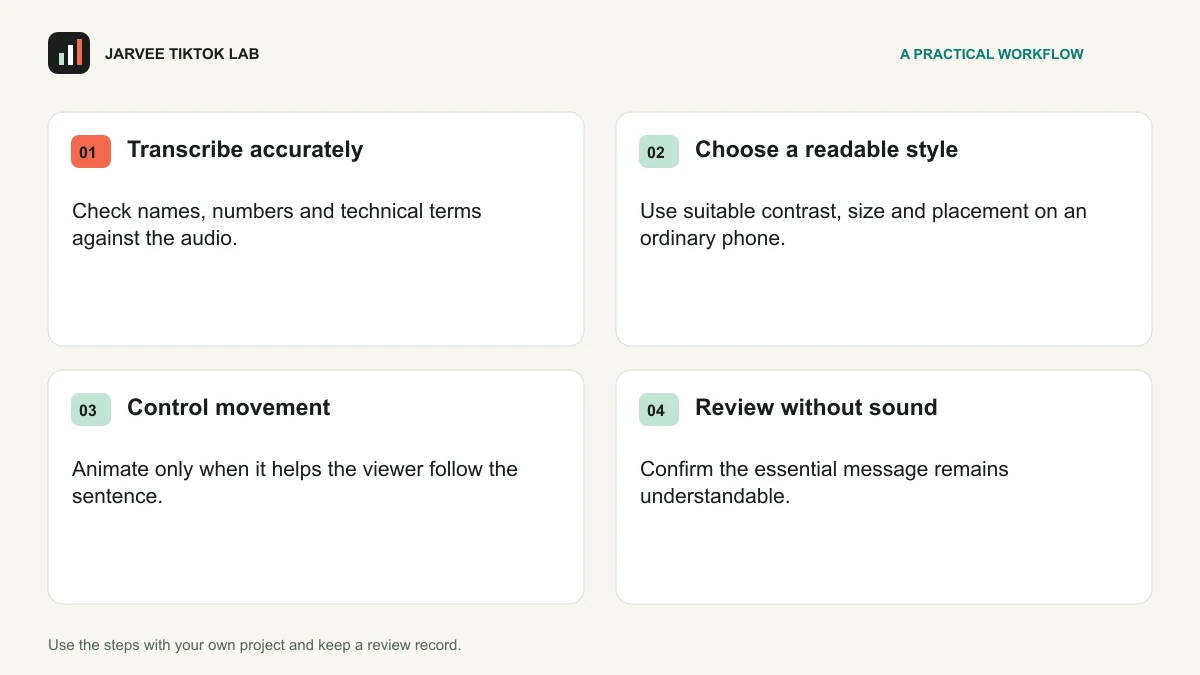
- Transcribe accurately. Check names, numbers and technical terms against the audio.
- Choose a readable style. Use suitable contrast, size and placement on an ordinary phone.
- Control movement. Animate only when it helps the viewer follow the sentence.
- Review without sound. Confirm the essential message remains understandable.
Try it on one project
Caption a short tutorial and ask someone to follow it with sound muted. Note any missing action or unreadable line. Correct those points before adding decorative word-by-word animation.
For a structured practice exercise, continue with the course lesson on filming a clear demonstration.
Keep a useful review record
Review the actual video on a phone before judging an editing idea by its name. Ask another person to explain the main point after one watch. Note the moment where they become confused or need information that is missing. Then check sound, text and the visible demonstration separately. A style that looks impressive in an editing timeline may be less useful when it competes with the explanation on a small screen.
| Record | What to keep |
|---|---|
| Question | The specific uncertainty this piece of work should help resolve. |
| Version and context | The approved material, intended audience and observation period. |
| Observed result | What happened, with relevant definitions and any unexpected issue. |
| Next decision | One change to test, its owner and a date to review it. |
Keep a clean original project and a clear version name for each edit. Record which footage and audio were approved and what the reviewer requested. This makes a later correction easier and helps the team avoid releasing an older export by mistake. Reusing a production checklist is useful; repeating an answer without a new audience purpose is not.
Two questions before the next iteration
Does a more elaborate edit always improve the post?
No. Keep an effect, transition or sound when it improves the explanation or serves a clear creative purpose. Remove it when viewers notice the treatment but miss the point.
How can I review the video before publication?
Watch the final export in ordinary mobile conditions, with sound and muted. Check important words, numbers, details and permissions, then confirm that the destination still matches the promised next step.
To move approved work into a repeatable publishing process, compare your checklist with SMTasker’s TikTok publishing workflow. Start with one concrete task and review the actual output before expanding the workflow.
For the next part of the work, read Seven TikTok Hook Frameworks to Test with Your Audience and keep the practical output beside your review notes.
Official reference
TikTok: creative best practices. Check the current requirements and feature availability for your actual account and market when applying this guide.