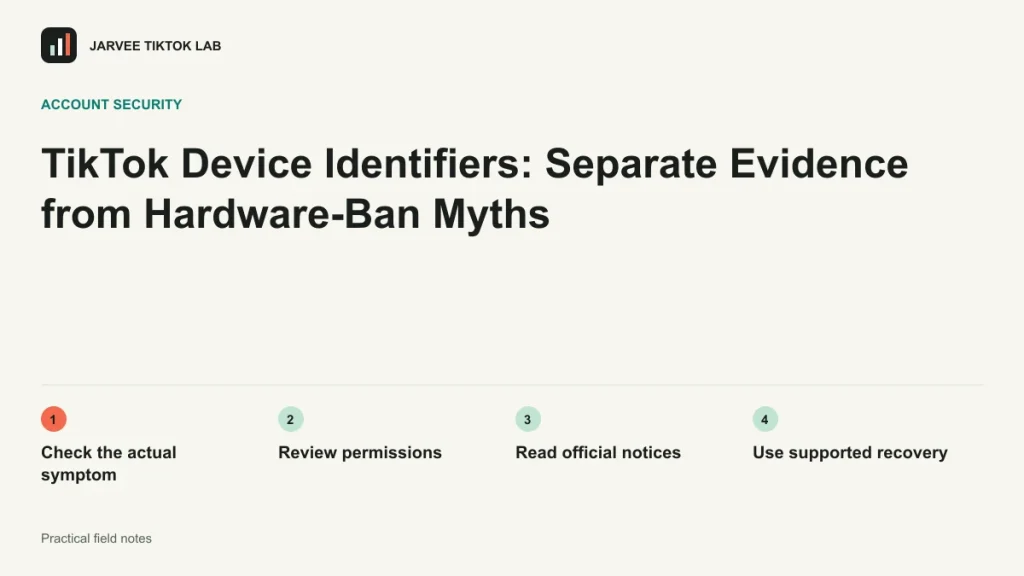
Claims about a complete TikTok hardware fingerprint often go beyond public evidence. Android restricts access to important device identifiers, with details depending on permissions and system context. Do not assume every ordinary app can freely read every hardware identifier.
A practical workflow
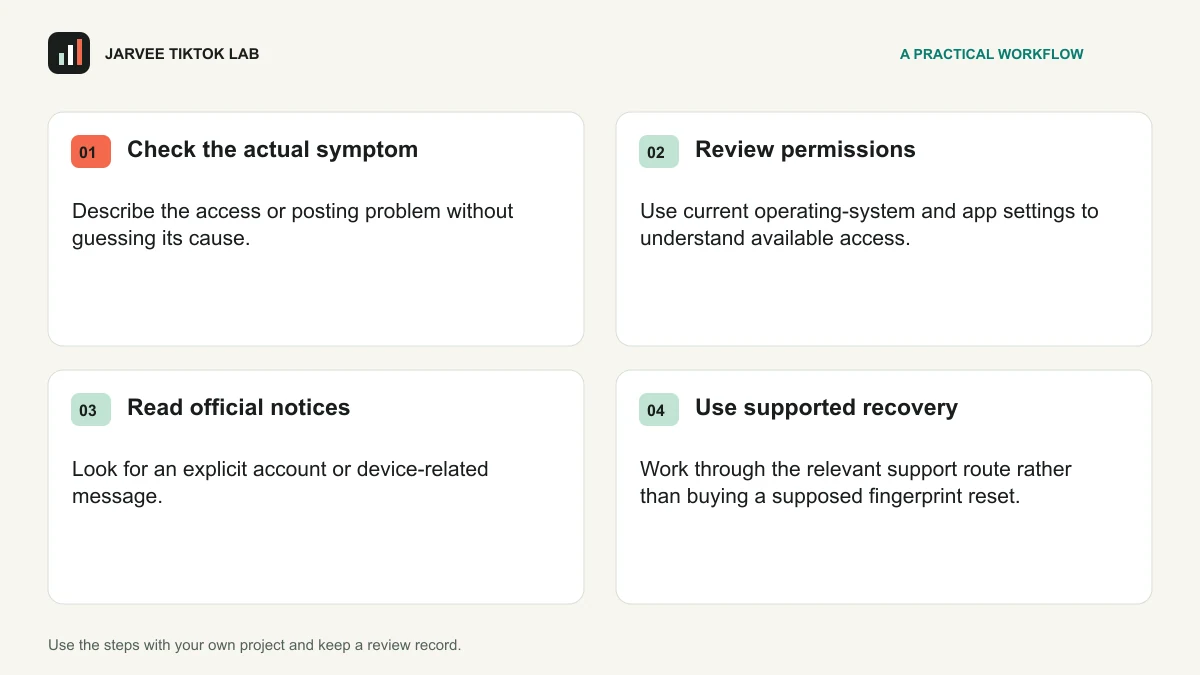
- Check the actual symptom. Describe the access or posting problem without guessing its cause.
- Review permissions. Use current operating-system and app settings to understand available access.
- Read official notices. Look for an explicit account or device-related message.
- Use supported recovery. Work through the relevant support route rather than buying a supposed fingerprint reset.
Try it on one project
Write down what is directly observed, what the platform states and what remains unknown. Keep a device-maintenance problem separate from an enforcement decision so a hardware purchase is not treated as an automatic account fix.
For a structured practice exercise, continue with the course lesson on protecting account access.
Keep a useful review record
A useful issue record contains the date, the action attempted, the observed result and any explicit message. Keep observations separate from guesses about a hidden system. Record what was changed while investigating so another authorized person can understand the sequence. If the problem needs platform or manufacturer support, concise relevant evidence is more useful than a long list of speculative causes.
| Record | What to keep |
|---|---|
| Question | The specific uncertainty this piece of work should help resolve. |
| Version and context | The approved material, intended audience and observation period. |
| Observed result | What happened, with relevant definitions and any unexpected issue. |
| Next decision | One change to test, its owner and a date to review it. |
Keep credentials, live verification codes and recovery secrets out of ordinary screenshots and shared planning sheets. Record ownership and responsibility instead. Review access when a person, tool or device changes, and give the team a clear route for pausing work when an issue cannot be understood safely.
Two questions before the next iteration
Does a new device or network guarantee account safety?
No. A change in equipment or connectivity does not establish permission for an activity or resolve every account decision. Diagnose the actual problem and use the appropriate official guidance.
What evidence should an issue record contain?
Record the time, relevant software or device context, the action and the exact message. Include only information needed to understand the issue, and keep passwords and live security codes private.
For the next part of the work, read TikTok Account Safety: Understand Notices and Restrictions and keep the practical output beside your review notes.
Official reference
Android Developers: identifier and permission restrictions. Check the current requirements and feature availability for your actual account and market when applying this guide.